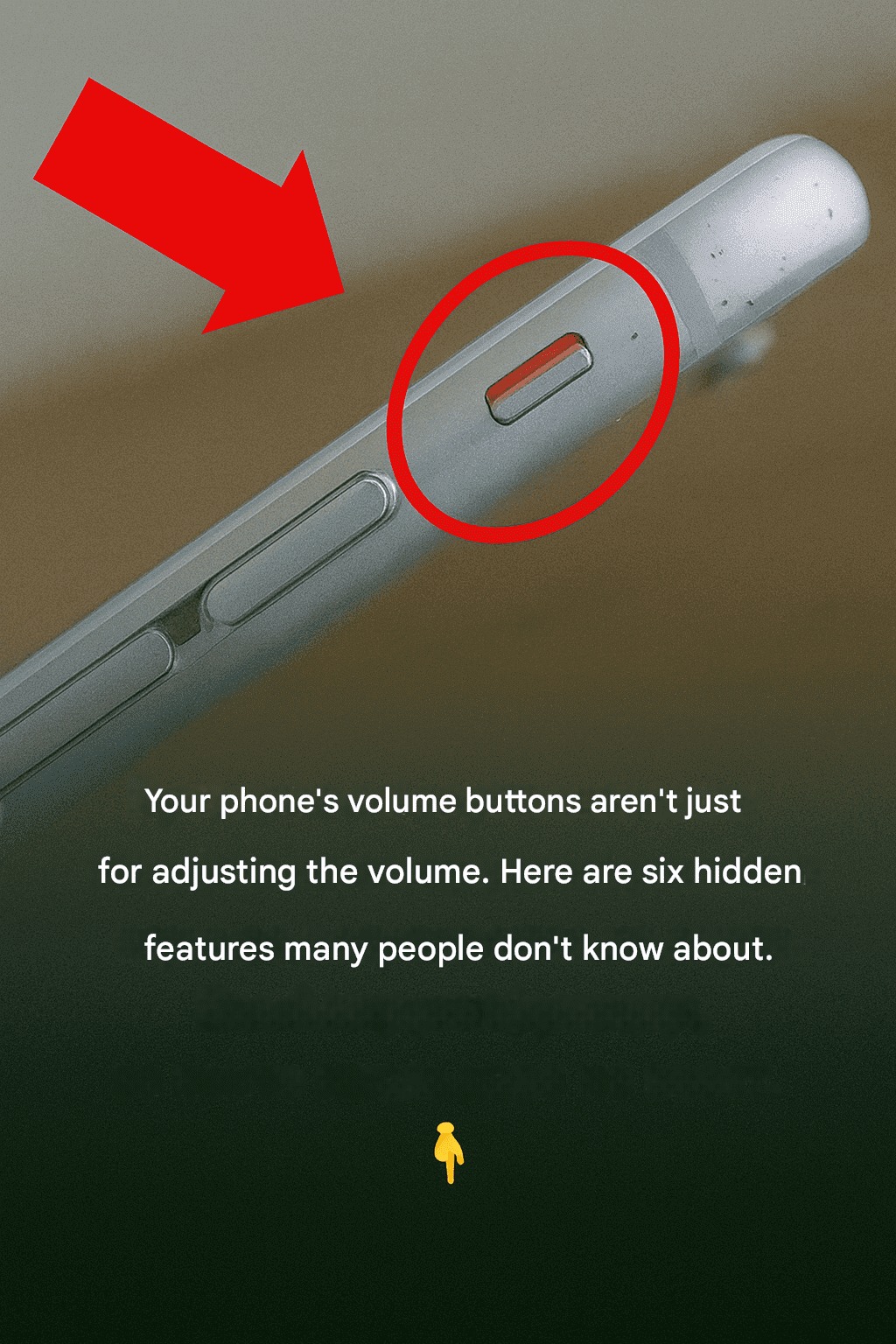
Most people use their phone’s volume buttons for only one thing — adjusting sound. But those tiny buttons on the side of your smartphone can actually do much more than you think. Whether you use an Android phone or an iPhone, your volume buttons come packed with hidden shortcuts and smart features that can make your daily life easier, faster, and more convenient.
🚀 Make Money Online – Up to $50 Per Day!
From taking better photos to improving safety, these secret tricks can completely change the way you use your device. Here are six hidden volume button features many people still don’t know about.
1. Use Volume Buttons to Take Photos
One of the most useful hidden features is using the volume buttons as a camera shutter. Instead of tapping the screen, simply press either volume button to capture a photo instantly.
This trick is especially helpful when:
- Taking selfies
- Capturing group photos
- Recording videos steadily
- Avoiding blurry shots
Using the physical button gives you a firmer grip on your phone, reducing camera shake. Many people find this method faster and more natural than tapping the screen.
You can also use wired earphones with volume controls to snap pictures remotely on many smartphones.
2. Silence Incoming Calls Quickly
Imagine you’re in a meeting, classroom, or quiet place and your phone suddenly rings loudly. Instead of panicking, simply press either volume button once.
On most smartphones, pressing a volume key while the phone rings instantly silences the ringtone without rejecting the call. The caller can still continue ringing, but your phone becomes quiet immediately.
This feature is perfect for:
- Offices
- Libraries
- Mosques or churches
- Public transport
- Important meetings
It’s a simple trick, but one that can save you from embarrassing moments.
3. Turn On Emergency Features Faster
Many modern smartphones allow the volume buttons to activate emergency tools. Depending on your phone brand, pressing the power button and volume button together — or rapidly pressing volume keys — can trigger emergency SOS features.
These features may:
- Call emergency contacts
- Share your live location
- Activate an emergency alarm
- Contact local emergency services
This hidden function can be incredibly important during dangerous situations or medical emergencies.
Check your phone settings under:
- Safety & Emergency
- Emergency SOS
- Advanced Features
You may already have this feature available without realizing it.
4. Control Music Without Unlocking Your Phone
Your volume buttons can also help manage music playback. On some Android devices, long-pressing the volume buttons while the screen is off can skip songs or go back to previous tracks.
This means you can:
- Change songs in your pocket
- Pause music quickly
- Adjust audio during workouts
- Control playlists while driving
Some phones require enabling this feature in settings or through accessibility controls.
It’s especially useful when:
- Exercising
- Traveling
- Using headphones
- Studying or working
You won’t need to unlock your phone every time you want to switch tracks.
5. Zoom In and Out While Taking Photos
Another hidden camera trick is using the volume buttons to zoom. Certain camera apps allow the buttons to control zoom levels instead of just taking photos.
This makes one-handed photography much easier and smoother. Instead of pinching the screen awkwardly, you can simply press the buttons for controlled zoom adjustments.
This feature works great for:
- Nature photography
- Sports events
- Concert videos
- Close-up shots
Some camera apps even let you customize what the volume buttons do:
- Shutter button
- Zoom control
- Video recording
- Burst mode
Check your camera settings to explore these options.
6. Use Volume Buttons for Accessibility Shortcuts
Smartphones today include accessibility tools designed to help users with hearing, vision, or mobility challenges. Many of these shortcuts can be activated using the volume buttons.
For example:
- Activate screen readers
- Magnify the display
- Turn on hearing assistance
- Launch accessibility menus
On some devices, pressing both volume buttons together for a few seconds activates accessibility mode instantly.
Even if you don’t have accessibility needs, these tools can still be useful in certain situations, especially for reading small text or using your phone hands-free.
Bonus Tip: Force Restart Your Phone
If your phone freezes or becomes unresponsive, the volume buttons can help restart it without touching the screen.
Common combinations include:
- Power + Volume Down
- Power + Volume Up
Holding these buttons together for several seconds can reboot many Android phones and iPhones.
This trick is extremely useful when:
- Apps crash
- The screen freezes
- The phone stops responding
- The touchscreen isn’t working
It’s one of the most valuable hidden button combinations every smartphone user should know.
Final Thoughts
Your phone’s volume buttons are far more powerful than they appear. These tiny controls can help you:
- Take better photos
- Silence calls quickly
- Access emergency tools
- Control music easily
- Improve accessibility
- Restart frozen devices
Most people never explore these hidden features, even though they use their phones every single day. By learning these simple tricks, you can save time, improve convenience, and get much more out of your smartphone.
The next time you pick up your phone, remember: those little side buttons are doing much more than just changing the volume.
